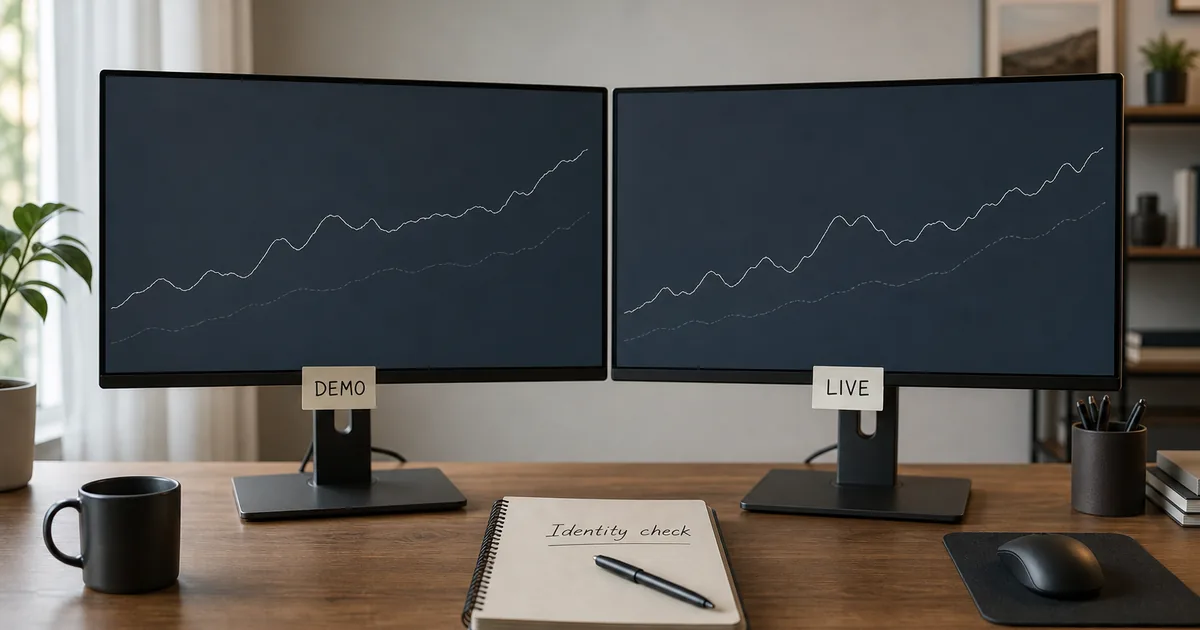
- Check header, server and balance before every session — not only on install day
- A green connection does not tell you the environment
- Round virtual balances are a clue, not a law; some live accounts can look small and some demos get custom sizes
- One-click trading on a mixed device is how accidental live tickets happen
- If you already traded live by mistake, flatten risk first, then journal — do not revenge-trade to ‘undo’ it
 Regulated Global Broker
 Trusted by 20M+ traders — open your account in minutes
- Trade 1,400+ instruments
- Country-based bonus offers where eligible
- MT4 & MT5 available
- Easy deposits and withdrawals
- Leverage up to 1000:1, where available
- Copy Trading: auto-copy expert strategy managers
- Quick Decision Framework
- Short Answer
- Detailed Explanation
- Example
- Common Mistake
- Professional Tip
- Why This Mix-Up Is So Expensive
- Short Answer
- Detailed Explanation
- Example
- Common Mistake
- Professional Tip
- Check 1 — The Header Label
- Short Answer
- Detailed Explanation
- Example
- Common Mistake
- Professional Tip
- Check 2 — The Server Name
- Short Answer
- Detailed Explanation
- Example
- Common Mistake
- Professional Tip
- Check 3 — Balance Logic, Not Balance Superstition
- Short Answer
- Detailed Explanation
- Example
- Common Mistake
- Professional Tip
- One-Click, Alerts and Shared Phones
- Short Answer
- Detailed Explanation
- Example
- Common Mistake
- Professional Tip
- If You Already Traded Live by Mistake
- Short Answer
- Detailed Explanation
- Example
- Common Mistake
- Professional Tip
- Build a Two-Environment Habit
- Short Answer
- Detailed Explanation
- Example
- Common Mistake
- Professional Tip
- Checklist — Demo vs Live Identity
- Mini Glossary
- Key Takeaways
- Bottom Line
Affiliate disclosure: ForexTradeLab may earn a commission from qualifying partner links, without increasing your cost. Read our affiliate disclosure.
Quick Decision Framework#
Short Answer
Read three places before any order: the account label in the terminal header, the server name (Demo versus Real/Live), and the balance logic. A round virtual figure such as 10,000 or 100,000 on a new practice account is a demo clue; a deposit-sized balance on a Real server is live. If any check is unclear, do not click Buy or Sell.
Detailed Explanation
MetaTrader will happily run a practice account and a funded account in the same app. The charts look identical. The Buy button looks identical. The only reliable difference is identity: which account number, which server, which cash. Traders who skip that identity check treat a live ticket like a demo click — then discover the loss is withdrawable pain, not a reset button. This page is a pre-click ritual, not a strategy. For what a demo is for, start with the demo account pillar and what is a forex demo account.
Example
You open MT5 on your phone between meetings. The chart is EUR/USD. You tap Sell at 0.10 lots because yesterday’s demo used 0.10. The header said Real and the balance was $180. That was live. The ritual would have caught it in five seconds.
Common Mistake
Trusting “I always leave it on demo” as a memory instead of reading the header every session.
Professional Tip
Say the environment out loud: “Demo 5123” or “Live 8891.” Speech breaks autopilot. Then disable one-click until the sentence matches the dashboard.
Risk note: Live forex and CFDs can produce rapid losses. Many retail CFD accounts lose money per broker disclosures. A demo cannot be withdrawn and does not prove future results. Read the disclaimer.
Why This Mix-Up Is So Expensive#
Short Answer
The interface is shared. The cash is not.
Detailed Explanation
Demo accounts exist so you can learn the ticket, the journal, and your own behaviour without funding a lesson with rent money. Live accounts exist to take real market risk after you accept that most retail CFD users lose money — a fact ESMA’s CFD materials and broker risk warnings keep repeating. When those two environments share one icon on a phone, the brain uses chart familiarity as a safety signal. Familiarity is not identity.
The cost is not only the accidental ticket. It is the revenge ticket that follows: a second live order to “get it back,” often larger. That is an education failure, not a platform bug.
If you do not yet have a practice account, open one from an official dashboard after you understand how to start. XM and Exness both issue demos in many countries; inspect current terms rather than assuming. You can check XM or check Exness only after country and entity eligibility — and you should still run this ritual on whatever terminal you install.
Example
A $50 live account and a $100,000 demo sit in the same mobile account list. The trader means to practise a stop-loss drill. They pick the $50 account because it is at the top of the recents list. The drill becomes a funded trade.
Common Mistake
Using demo lot size as live lot size because “the chart is the same.”
Professional Tip
Put live risk math on paper before the session. If the number is not written, you are not in a live session — you are in a mood.
Check 1 — The Header Label#
Short Answer
The account number line is the first truth. Read it before Market Watch.
Detailed Explanation
On desktop MT4/MT5, the top bar or Toolbox/Navigator usually shows the account number and a type hint: Demo, Contest, or no demo word (often live). Broker builds differ. Some paint the header a different colour for practice accounts. Some do not. Colour is a hint, not a law.
On mobile, open Manage accounts. Each saved login should show a type badge or a server subtitle. If the badge is missing, the server string is the next check — do not guess from chart wallpaper.
Also confirm you logged in with the master password if you intend to trade. An investor password can leave you staring at a live account you cannot flatten. Credential mechanics are in how to log in to MT4/MT5.
Example
Header: 88910421: XMGlobal-MT5 2. Dashboard live card: 88910421. That is live, even if you emotionally planned a demo drill.
Common Mistake
Reading the pair name (XAUUSD) and skipping the account number. Instruments do not tell you the environment.
Professional Tip
Rename saved mobile accounts inside the app when the client allows it: DEMO-EUR and LIVE-TINY. Names you typed yourself beat default numbers at 07:00.
Check 2 — The Server Name#
Short Answer
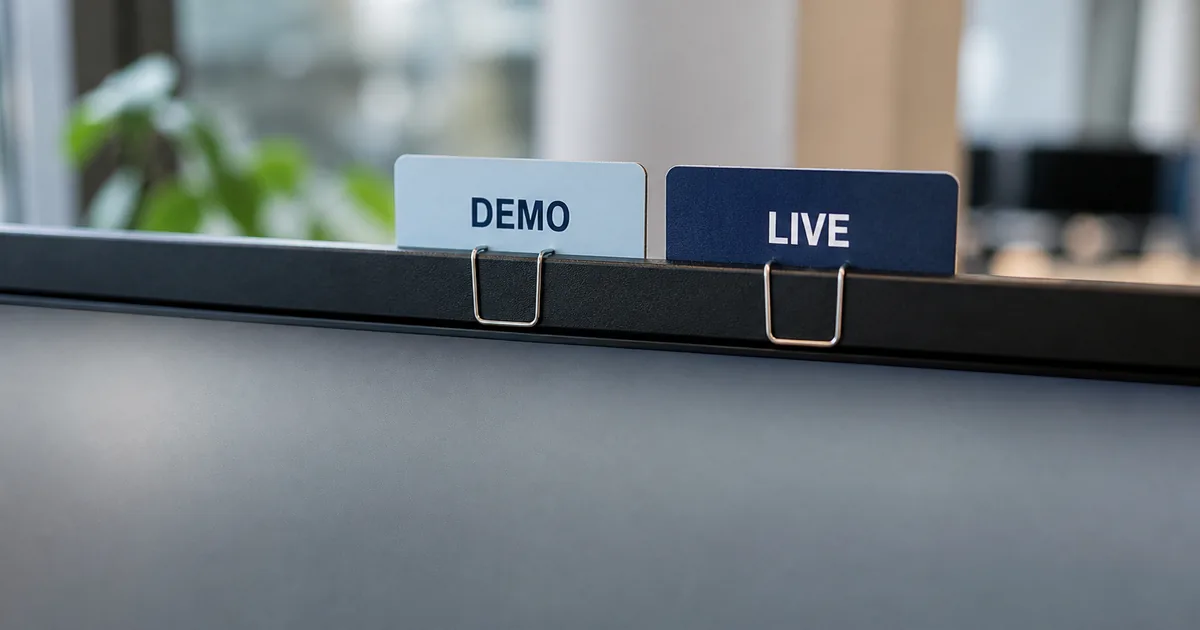
Demo servers usually say Demo. Live servers usually say Real or Live. Near-matches are how people slip.
Detailed Explanation
The server is not decoration. It is the host. Two strings that share a brand can still be different worlds:
| Pattern you might see | Treat it as |
|---|---|
Brand-Demo, Brand-MT5Demo, …Demo3 | Practice until the dashboard says otherwise |
Brand-Real, Brand-MT5Live, …Real15 | Live cash if the account number matches a funded card |
| Contest / championship servers | Not withdrawable play money — still not your live risk budget |
Copy the string from the Members Area or Personal Area if the terminal list is crowded. XM and Exness both show the server on the account tile; the words differ by entity and year. Do not reuse a 2024 screenshot.
If you cannot find the server, you are not ready to click. Fix login first.
Example
Search “Exness” in the MT5 app. The first row is a demo server. Charts load instantly. That is a successful connection to practice, not proof you are on the funded account you deposited into last night.
Common Mistake
Assuming “I deposited, therefore this open chart is live.” You can be looking at a demo chart while the live account sits unused in the list.
Professional Tip
When you add a new login, take a screenshot of the server row you selected and store it with the account number. Future-you will thank present-you after a reinstall.
Check 3 — Balance Logic, Not Balance Superstition#
Short Answer
Compare terminal money with dashboard money. Do not worship round numbers.
Detailed Explanation
New demos often start at 10,000, 50,000 or 100,000 in account currency. That is a clue. It is not a law:
- Some brokers let you set a custom demo balance.
- Some live accounts are tiny ($10, $50) and look “too small to be real.”
- Some live accounts show credit or bonus lines that inflate a headline figure.
- Some demos have been traded down to $240 and look “live-sized.”
The test is reconciliation:
- Open the official dashboard.
- Read the trading-account balance and the type (demo / live).
- Match the number and the account ID to the terminal.
If they disagree, you are in the wrong slot. For deposit-sized live balances, keep the first amount tiny and name-matched — see the first deposit guide. For the longer path from practice to funded, use the demo-to-real roadmap.
Example
Terminal shows $100,000. Dashboard live card shows $75. You are on demo. Feeling “rich” is the point of a virtual balance — and the trap.
Common Mistake
Depositing $100, then practising on the $100,000 demo all week, then opening live at demo size because the P&L column “felt normal.”
Professional Tip
On live, your first session risk should look boring next to demo. If live feels as casual as demo, shrink size until it does not.
One-Click, Alerts and Shared Phones#
Short Answer
One-tap trading turns an identity mistake into a fill.
Detailed Explanation
One-click / one-tap is a speed tool. On a mixed demo-live device it is a loaded spring. Until the three checks are automatic, leave it off. Place the first order of each session through the full ticket: symbol, volume, stop, confirm.
Also watch:
- Price alerts that open the last-used account, not the account you intended.
- A partner or sibling who knows your phone passcode.
- A tablet that auto-restores the last MT5 session after an update.
ASIC’s CFD warning is written for product risk, not buttons — but the retail lesson is the same: speed features do not reduce the chance of loss. They only reduce the time between impulse and fill.
Example
An alert fires during dinner. You tap the chart, then Buy, because one-tap is on. The restored session was live. Dinner becomes a journal entry.
Common Mistake
Enabling one-click “just for demo” and forgetting it when you add the live login to the same app.
Professional Tip
If you must use one device, put live behind an extra app PIN if the build offers it, and keep demo as the default visible account. Friction is a feature.
If You Already Traded Live by Mistake#
Short Answer
Flatten or contain the unplanned risk first. Then write. Do not revenge.
Detailed Explanation
- Identify. Header, server, dashboard. Confirm it is live.
- Contain. If the position is unplanned, closing is usually cleaner than hoping. If you keep it, attach a stop that matches a written invalidation — not a wish.
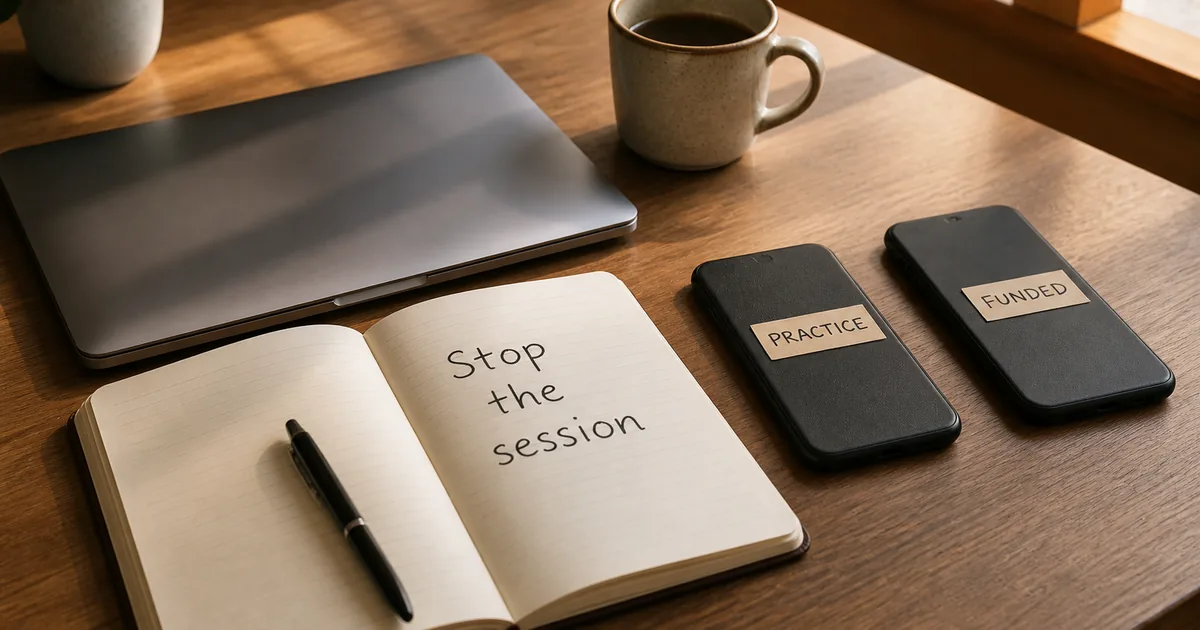
- Stop the session. Log out of live or switch the visible account to demo.
- Journal the feeling in one line: “Thought it was demo; size was X; why the ritual failed.”
- Do not open a second live trade to emotionally cancel the first.
This is process repair, not a new strategy. Size rules live in risk management and the one-percent examples if you use that cap. If the accident happened because login was sloppy, fix the trio in the login guide before you return.
Example
Unplanned live 0.05 lot on GBP/USD, +8 pips, euphoria. The correct next action is still to stop and journal. A winner that you did not intend is still a process fail. Keeping it “because it is green” trains the wrong lesson.
Common Mistake
Doubling the next live ticket “to make the accidental one meaningless.”
Professional Tip
Pre-commit: “Any unintended live ticket ends the session.” Write it on the plan page you actually keep.
Build a Two-Environment Habit#
Short Answer
Separate slots, separate sizes, same ritual every time.
Detailed Explanation
A durable setup for beginners:
| Habit | Why it works |
|---|---|
| Demo and live in different account slots with names you typed | Reduces recents-list errors |
| Demo size never reused as live size | Breaks the “chart is the same” illusion |
| Live session starts with a spoken label | Breaks autopilot |
| First live week uses majors and micro volume | See first live trade |
| Dashboard bookmark only | Reduces phishing while you check type |
You do not need two brokers to practise this. One eligible firm with a demo and a tiny live card is enough. If you are still choosing, compare process — not hype — in XM vs Exness and how to choose a broker. Education-first next step: after the ritual is written, review XM terms or review Exness terms only if your country is served and you still want a practice account to run the three checks on.
Example
Desktop MT5 stays demo-only. Phone MT5 holds the live login and stays in a drawer during the first month except for one planned session. That physical split is more reliable than willpower.
Common Mistake
Five saved logins, no names, all with one-click on.
Professional Tip
After any platform update, repeat the three checks before the first order. Updates restore sessions. They do not restore your attention.
Checklist — Demo vs Live Identity#
- Header account number read out loud
- Server string checked for Demo vs Real/Live
- Terminal balance matched to the official dashboard card
- Account type on the dashboard matches what you intended
- One-click / one-tap left off until the three checks pass
- Saved mobile accounts renamed by you
- Live size written before the session — not copied from demo
- Recovery rule written: unintended live ticket ends the session
- Login credentials stored so you can switch environments without guessing
- Next reading: demo pillar and how to start
Mini Glossary#
| Term | Meaning |
|---|---|
| Demo account | Practice login with virtual balance; not withdrawable |
| Live / real account | Funded login; P&L hits cash you could otherwise withdraw |
| Server string | Host name that usually encodes Demo or Real |
| Header label | Account number plus type hint in the terminal chrome |
| One-click trading | Order sent without a full confirmation ticket |
| Reconciliation | Matching terminal ID and balance to the dashboard |
| Unintended live ticket | An order placed while believing you were on demo |
Key Takeaways#
- Demo vs live is an identity check, not a feeling about the chart.
- Read header, server and dashboard balance before every session.
- Round virtual balances are clues, not proof.
- One-click on a mixed device is how accidents become fills.
- If you already traded live by mistake, contain risk and stop — do not revenge-trade.
Bottom Line#
If you keep both environments — and you should, because demo is still the gym — build a ritual that takes less than fifteen seconds. ForexTradeLab’s job is to make that ritual boring enough to repeat. Use the demo account guide, keep risk management open, and only fund a live card you can afford to lose after the three checks are automatic. Broker choice remains country-specific; inspect live XM or Exness terms only when you are ready to practise the ritual on a real dashboard.
Comments
Add a useful note for other traders. We review comments before publishing.