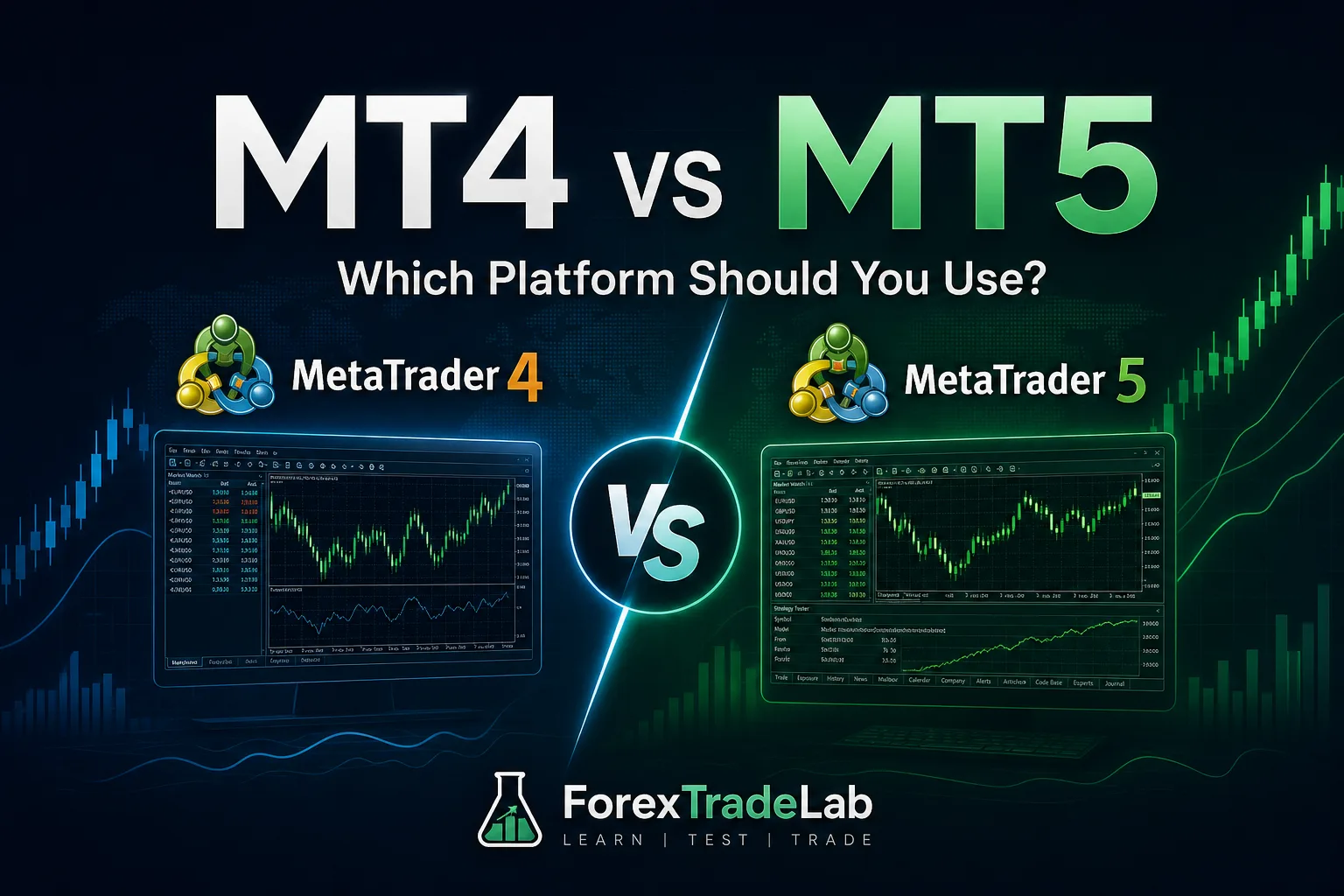
- MT4 and MT5 are separate MetaQuotes platforms, not two account modes that can be interchanged by changing a password. MT4 remains focused on the familiar retail-forex workflow and MQL4 ecosystem.
- Read the written broker terms before funding an account
- Use defined cash risk and realistic cost assumptions
- Educational content, not personal investment, legal, or religious advice
MT4 versus MT5: direct answer#
Short Answer
Choose MT4 or MT5 by broker support, instruments, workflow and code compatibility—not by version number alone.
Detailed Explanation
MQL4 and MQL5 tools are not natively interchangeable. MT5 adds capabilities, while an established MT4 workflow can remain practical where supported.
Example
An MT4 EA must normally be ported and retested before it can run on MT5.
Common Mistake
Migrating without checking indicators, EAs, symbols and account availability.
Professional Tip
List required tools and order types, then test both on the intended broker account.
Introduction#
MT4 and MT5 are separate MetaQuotes platforms, not interchangeable account modes. MT4 centres on the established MQL4 and retail-forex workflow. MT5 uses MQL5, has a different testing architecture, exposes more built-in timeframes and can support broker-configured netting or hedging accounts. The useful question is therefore not which platform is newer, but which one supports the broker account, instruments and tested tools required by a documented trading process.
Platform choice does not determine spreads, commissions, leverage, execution quality or regulatory protection. Those depend on the broker, legal entity, account and instrument. This guide is educational and does not recommend a platform, broker or trade. For supporting detail, see MetaTrader 4, MetaTrader 5, demo accounts, backtesting and choosing a broker.
Short Answer#
Choose MT4 when a proven MQL4 workflow and the broker’s MT4 offering meet the plan. Choose MT5 when the plan genuinely requires its MQL5 ecosystem, tester, supported markets or account treatment.
Do not migrate for a longer feature list alone. Confirm that the intended account exists, compare its contract and execution terms, and test every custom indicator, script or Expert Advisor in the target environment.
How It Works#
MT4 programs use MQL4; MT5 programs use MQL5. An MT4 indicator or EA is not normally plug-and-play in MT5, so a move may require source code, a supported port and fresh testing. Historical data, broker server time, symbol names and price feeds can also affect indicator calculations and test results.
Position accounting is another material difference. MT4 conventionally presents separate positions. MT5 can use netting, where activity in one instrument contributes to a single net position, or hedging, where separate long and short positions can coexist, if the broker offers that account type. This affects scaling, offsetting, reporting and how a multi-entry strategy is reviewed.
Both platforms display broker-supplied symbols and prices. A familiar interface does not make two brokers’ instruments or account protections equivalent.
Practical Process#
- List the instruments, account treatment and custom tools the plan actually needs.
- Compare the current MT4 and MT5 account documents from the same legal entity: product list, specifications, fees, execution policy and available protections.
- Inventory each indicator, script and EA, including language, source code, licence, settings, dependencies and developer support.
- Rehearse ordinary tasks on demo: watchlists, templates, market and pending orders, stop amendments, partial closes, history export and journal review.
- Rehearse failures and exceptional conditions: connection loss, mobile access, an EA fault and wider spreads.
- If migrating, compare data, server time, symbol names, indicator output, commission and financing before trusting old results.
Common mistake: treating a successful login or similar-looking chart as proof of compatibility.
Professional tip: keep dated screenshots or exports of specifications and test results so differences can be traced rather than guessed.
Decision Framework#
| Decision question | Evidence to collect | Implication |
|---|---|---|
| Does the broker offer the required account and instruments? | Current product list and account terms | A platform capability is irrelevant if the account does not provide it. |
| Are existing automated tools compatible? | Language, source, licence, port support and new tests | MQL4 and MQL5 tools are not normally interchangeable. |
| Does the strategy require netting or separate positions? | Account treatment and demo order records | Position handling changes scaling and reporting. |
| Are live costs and execution acceptable? | Specification, fee schedule and execution policy | The platform name does not set commercial terms. |
| Can the trader operate it reliably? | Routine and failure rehearsals | Operational clarity matters more than unused features. |
Prefer MT4 when the established MQL4 workflow is understood and no required capability is missing. Prefer MT5 when its supported market range, MQL5 tools, tester workflow or position accounting is necessary and confirmed for the specific account. If both pass, choose the environment that produces fewer operating errors and clearer records.
Risks and Limits#
- A copied template can behave differently when the feed, session cut-off or symbol specification changes.
- Running positions on both platforms can duplicate exposure unless total risk and margin are tracked externally.
- A ported EA can compile yet still behave differently; it needs functional and risk testing.
- Neither platform removes slippage, gaps, software faults, fraud, broker failure or leverage risk.
- Demo availability does not prove that live instruments, costs or account treatment are identical.
Past backtests, screenshots and account statements do not establish future results. Platform comparison can reduce avoidable operating errors, but it cannot make a trading strategy profitable or a leveraged position safe.
Worked Example#
A trader has an MQL4 breakout EA and is considering MT5 because the broker lists more instruments there. The trader first checks whether those instruments are needed and whether the intended MT5 account uses hedging or netting. The EA’s source, licence and dependencies are reviewed; a supported MQL5 port is then tested with the target symbols, server time, costs and position accounting.
If the port changes signal timing or cannot reproduce the required multi-position logic, “MT5 is newer” is not a reason to deploy it. The trader can retain the tested MT4 process, redesign and revalidate the strategy, or stand aside. The decision follows compatibility evidence, not branding.
Checklist#
- The chosen broker account and server explicitly support the selected platform.
- Required instruments and account protections are confirmed in current documents.
- Netting or hedging treatment matches the strategy and has been rehearsed.
- Every indicator, script and EA has a verified platform version and licence.
- Historical data, server time, symbol names and costs were checked after migration.
- Ordinary orders, partial closes, history exports and emergency access were tested.
- Total exposure is tracked if MT4 and MT5 accounts are used concurrently.
- The platform decision is recorded separately from the decision to trade.
Glossary#
MQL4: The programming environment used for MT4 indicators, scripts and Expert Advisors.
MQL5: The programming environment used for MT5 indicators, scripts and Expert Advisors.
Expert Advisor (EA): A program that can analyse or automate actions according to coded rules.
Netting: Account treatment that combines activity in an instrument into one net position.
Hedging account: Account treatment that can keep separate positions, including opposing positions, where offered.
Port: Reworking software for another platform or language; it is not merely copying the file.
Server time: The broker server’s clock, which can change bar boundaries and time-based rules.
Summary#
MT4 is a defensible choice for a proven MQL4-centred workflow; MT5 is a defensible choice when its MQL5 tools, testing architecture, supported products or account treatment are genuinely required. In either case, verify the exact broker account, retest software and data assumptions, and choose the environment that makes exposure and errors easiest to control.
Continue with MetaTrader 4, MetaTrader 5, demo accounts, backtesting and choosing a broker.