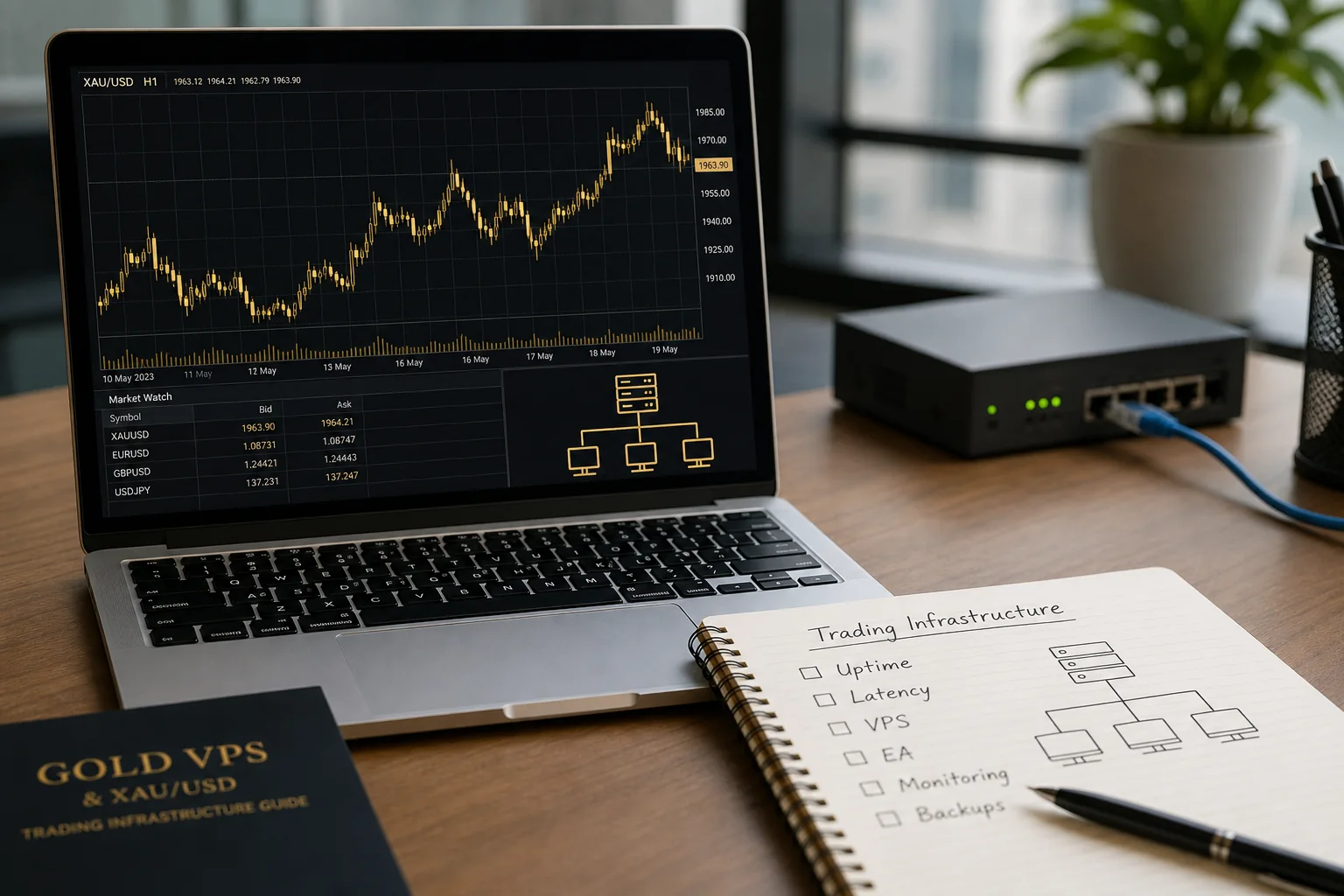
- A VPS is useful for Gold EAs, alert systems and scalpers who need the platform online 24/5
- A VPS improves uptime and connection stability; it cannot fix bad entries, wide spreads or poor risk management
- Choose a VPS region close to your broker's trade server and confirm the ping yourself in MT4 or MT5 rather than trusting marketing claims
- At gold near $4,125, $0.10 of extra slippage on 0.10 lot costs $1 per trade, so spread and slippage usually matter more than a few milliseconds
- Manual swing traders and beginners rarely need a VPS unless they run automation or have unreliable power or internet

Affiliate disclosure: ForexTradeLab may earn a commission from qualifying partner links, without increasing your cost. Read our affiliate disclosure.
Gold context (29 September 2026): spot gold was near $4,125/oz after dropping about 4% intraday to $4,111 on 28 September, its lowest since 5 August (Reuters). On fast days like that, a platform that disconnects with open gold trades is a real risk, which is the problem a VPS is meant to solve. Verify the live quote before trading.
Do you need a VPS for gold trading?#
Short Answer
You need a VPS for gold trading only if you run a Gold EA, need your platform online 24/5, rely on alerts or copy tools, or trade execution-sensitive scalping. Most manual beginners and swing traders do not need one.
Detailed Explanation
A VPS (virtual private server) is a remote computer in a data centre that runs your MT4 or MT5 terminal continuously. Gold trades almost around the clock on weekdays (COMEX runs Sunday 6:00 p.m. to Friday 5:00 p.m. New York time with a daily 5:00–6:00 p.m. break), so an EA that manages open XAU/USD trades needs a terminal that never sleeps. A VPS solves uptime and connection problems. It does not solve strategy problems.
| Trader type | VPS needed? | Why |
|---|---|---|
| Manual beginner | Usually no | You are at the screen when you trade |
| Swing trader | Usually no | Stops and targets sit on the broker's server |
| Gold scalper | Sometimes | Useful if home connection is unstable |
| Gold EA user | Often yes | The EA must run while you sleep |
| News trader | Maybe | Slippage and spread still dominate |
| Copy-trading or alert user | Sometimes | Depends on whether the tool runs in your terminal |
Example
A trader runs a Gold EA on a laptop that goes to sleep at 02:00. The EA's trailing-stop logic stops working while an XAU/USD position is open. On a VPS, the terminal and the EA keep running.
Common Mistake
Buying a VPS to fix a losing strategy. If the logic is poor, a VPS only helps it lose without interruption.
Professional Tip
Remember that ordinary stop-loss and take-profit orders are held on the broker's server, not on your computer. You need a VPS mainly for logic that lives inside the terminal: EAs, trailing stops run by scripts, alerts and copy tools.
What a VPS can and cannot fix#
Short Answer
A VPS can fix disconnects, sleeping computers, power cuts at home and slow home internet routes. It cannot fix wide spreads, slippage during news, poor entries or oversized lots.
Detailed Explanation
| A VPS can help with | A VPS cannot fix |
|---|---|
| Keeping MT4/MT5 and EAs online 24/5 | A strategy with no edge |
| Lower, more stable network latency to the broker | Spread widening at rollover and news |
| Surviving home power or internet outages | Slippage in fast markets |
| Running several terminals continuously | Oversized positions |
At about $4,125, one standard lot of gold is 100 oz (≈ $412,500 notional) and each $1 move is $100. On 0.10 lot, $0.10 of extra slippage costs $1 per trade. For most retail scalpers, that cost comes from market conditions and broker execution far more than from a few milliseconds of network delay.
Example
A scalper makes 200 trades a month at 0.10 lot. Moving from a home PC to a VPS removes the occasional disconnect. But if the average fill is still $0.10 worse than the quote because of news-time slippage, the cost is 200 × $0.10 × $10 = $200 a month, and the VPS does not change it.
Common Mistake
Reading an advertised "ultra-low latency" figure as proof of better trading results.
Professional Tip
Track two numbers for a month: disconnects per week and average slippage per trade. If disconnects are near zero at home, a VPS will add little.
How to choose a Gold VPS#
Short Answer
Pick a data-centre region close to your broker's trade server, then check uptime, Windows and MetaTrader support, enough RAM and CPU for your terminals, restart policy, security, support and cost.
Detailed Explanation
Check:
- data-centre region relative to your broker's trade server (ask the broker which server your account uses);
- the ping you actually see in your terminal;
- uptime record and maintenance windows;
- Windows support for MT4/MT5;
- RAM and CPU for the number of terminals and EAs;
- automatic Windows updates and restarts (schedule them outside trading hours);
- support hours;
- monthly cost versus your trading size;
- security: two-factor login, strong passwords, no shared credentials.
Options include independent VPS providers, the built-in virtual hosting offered inside MetaTrader, and broker-sponsored VPS programmes with their own eligibility conditions. For one broker's terms, see our XM VPS free hosting guide.
Example
A trader with a $1,500 account trading 0.01 lot pays for a VPS every month. At 0.01 lot, each $1 gold move is worth $1, so the VPS fee may be larger than the risk on many trades. For that trader, a VPS may not be worth it until they run an EA.
Common Mistake
Choosing the VPS region nearest to where you live instead of nearest to the broker's server.
Professional Tip
Do not rely on anyone's published latency numbers, including ours (we do not publish any). Test from the VPS itself, as described in the next section.
How to measure latency yourself#
Short Answer
In MT4 or MT5, the connection indicator in the bottom-right corner of the terminal shows the current ping to the broker's server. Compare it from your home PC and from the VPS during the hours you trade.
Detailed Explanation
- Log in to the same account on your home PC and on the VPS.
- Note the ping shown in the terminal's status bar on each machine.
- In MT5 you can open the server list and rescan servers to compare access points.
- Repeat at the times you actually trade, for example the London–New York overlap.
- Record disconnects and the ping for a week.
Latency matters only in relation to your strategy. A swing trader holding for days gains almost nothing from a lower ping; a high-frequency EA may care more.
Example
A trader records ping from home and from a VPS for five trading days during the overlap and also logs slippage on each XAU/USD trade. If slippage is the same in both cases, the lower ping is not the constraint.
Common Mistake
Measuring ping once, on a quiet Sunday, and assuming it holds during CPI or NFP.
Professional Tip
Test on a demo account from the same broker first. Demo and live servers can differ, so re-check when you switch to live.
VPS and gold scalping#
Short Answer
Gold scalpers care about execution, but latency is only one part. Spread, slippage, lot size, news filters and a daily loss limit usually matter more.
Detailed Explanation
You still need:
- an XAU/USD spread small compared with your target;
- controlled lot size;
- stable broker execution;
- no trading during unsuitable news, such as the US jobs report on 2 October 2026 or CPI on 14 October 2026;
- rules for maximum acceptable slippage;
- a maximum daily loss.
For broker costs, compare lowest-spread XAU/USD brokers and read our gold scalping strategy.
Example
A scalper targets $0.50 per trade on 0.10 lot ($5). If the spread is $0.30 ($3) and average slippage $0.10 ($1), 80% of the target is already consumed by costs, whatever the ping.
Common Mistake
Upgrading infrastructure before checking whether the strategy's target is large enough to pay the spread.
Professional Tip
Write your break-even formula before you trade: target must be larger than spread + commission + average slippage, all expressed in dollars per lot.
VPS setup checklist#
- Confirm you actually need 24/5 uptime (EA, alerts or copy tool).
- Ask your broker which trade server your account uses.
- Choose a VPS region near that server and measure ping from the terminal.
- Install only the terminals and EAs you need.
- Set the terminal and EAs to restart automatically after a reboot.
- Schedule Windows updates outside your trading hours.
- Enable two-factor login and use unique passwords.
- Log in daily to check that the EA is running and the journal shows no errors.
- Keep a hard account-level loss limit regardless of the VPS.
Glossary#
- VPS: virtual private server, a remote machine that runs your trading platform continuously.
- Latency (ping): the time for data to travel between your terminal and the broker's server.
- Trade server: the broker's server that receives and executes your orders.
- Uptime: the share of time a server is online and working.
- Slippage: the difference between the requested price and the executed price.
- EA: Expert Advisor, an automated trading program for MetaTrader.
- Virtual hosting: a VPS service built into MetaTrader for running EAs remotely.
Related guides#
- Complete XAU/USD gold trading guide (pillar guide)
- Gold EA guide: XAU/USD robot trading risks
- XAU/USD trading hours and best time to trade
- Best brokers for gold trading
- XM VPS free hosting guide
Bottom line#
A Gold VPS is infrastructure. It can reduce disconnects, keep EAs running and help execution-sensitive workflows. It cannot remove spread, slippage, news risk or bad strategy design. Use a VPS when uptime matters, and do not treat it as proof that a Gold EA or scalping system is profitable.
Risk warning: Stable infrastructure does not make leveraged gold trading safe. XAU/USD losses can happen quickly even on a perfect VPS connection. This article is educational and is not investment advice.
Comments
Add a useful note for other traders. We review comments before publishing.